.png)
Creating a press release
You can create a press release on the platform with your own content, ask AI to generate it or request one of our specialists to write it for you. To start, click on Publish at the top and then on Create Press Release.
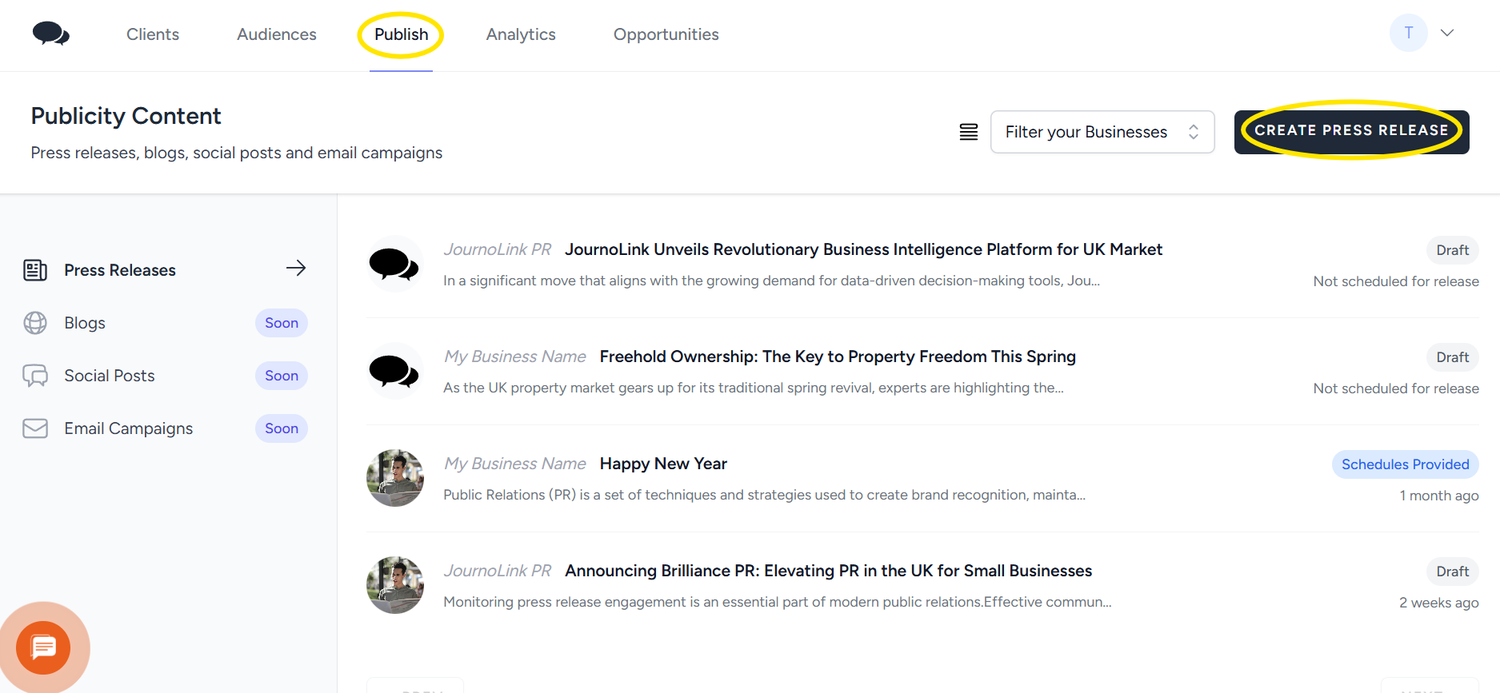
For AI content, you just need to add some information about your press release. After a couple of minutes, the press release will be saved as a draft. Click on Publish again and then on the press release headline. The AI writer will generate your press release in the right format and include links to any data that has been used in the release. When using AI, make sure to check that the information is accurate and the links are relevant to your topic. You can edit the press release draft anytime before submitting it for distribution.
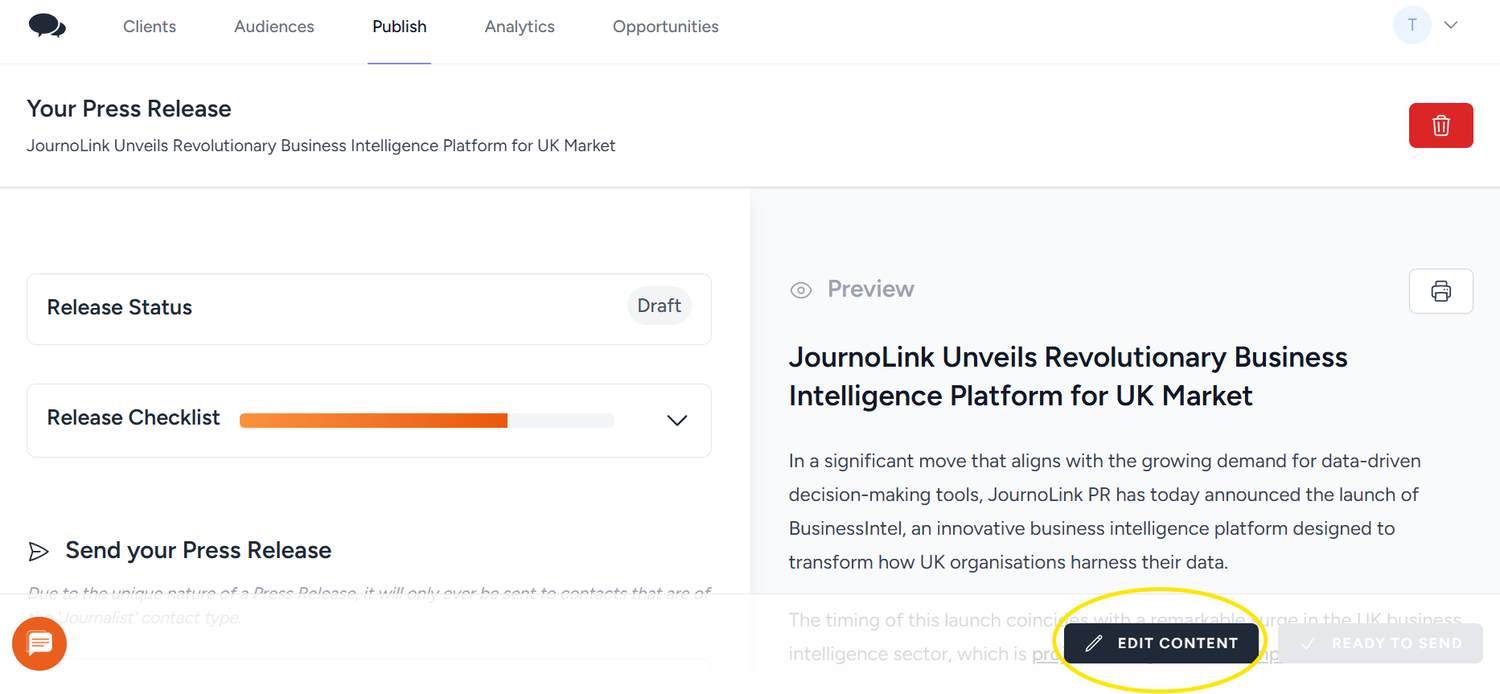
In editing mode, you will see a preview of the article in your press room. You can add images and embed links from the editor on the left side. When you are done, click on Save to move the press release to the scheduling stage.
Selecting your Audience
After saving the press release draft, you can choose your audience. From the left side of the screen, click on Add a Schedule and choose the audiences you would like to send the press release to. Do this for each one of the relevant audiences you created.
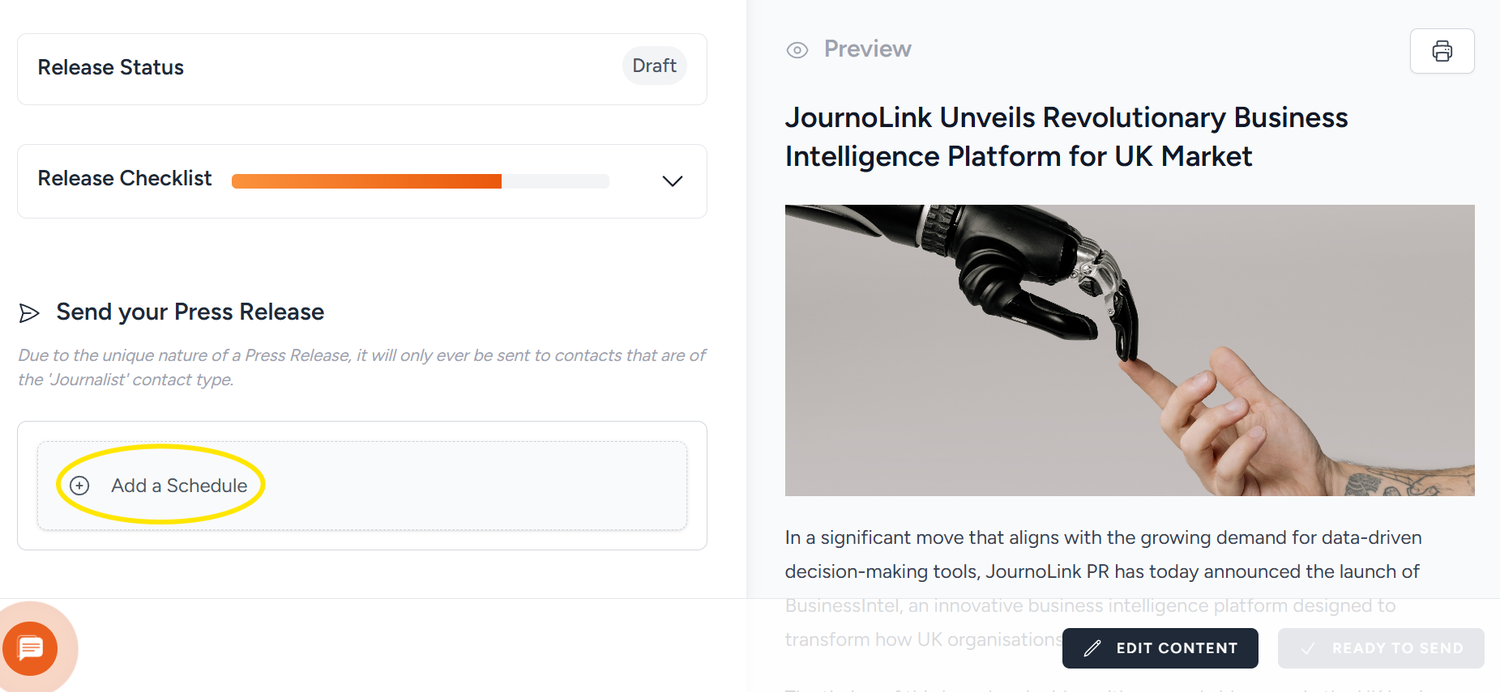
Choose your date and time for release and click on the 'Thumbs Up' icon to validate your choice. Click on Ready to Send to submit the press release.
.png)
Your press release will be sent to JournoLink for approval and distribution.


 We use