| JournoLink
Home
Login
Book a Demo
Contact Us
JournoLink PR Resources
All Collections
FAQ
How can see the latest Media Requests?
Learn PR
What is PR?
How to create a PR strategy
How to create a winning Press Release
How to structure a Press Release
How to craft a powerful headline
Adding quotes
Timing a Press Release
Your Step-by-Step Guide to AI-Powered Press Releases with JournoLink
How to respond to Media Requests
Creating a Press Room
Organising a press event
Press Release Story Ideas
Practical Ways SMEs Can Use AI for PR
How to use AI for Press Release content writing
The Simple Guide to Planning Your Business PR for 2026
Using JournoLink
Getting Started
Media Requests
Creating a Press Release
Uploading a Media List
Client Intel - Agency and Multy-Business plans
FAQ
How do I send a press release?
How can I upload a media list?
What are the guidelines for submitting content to JournoLink?
How do I track the performance of my press releases and media outreach?
What is JournoLink?
How do I respond to journalist inquiries received through JournoLink?
How do I update my user details?
What is a press release?
Why am I not getting media requests via email?
How can see the latest Media Requests?
If I subscribe, can I cancel at any time?
How do I reset my password?
How can see the latest Media Requests?
Written by Tania Ferguson
Created over
10 days ago
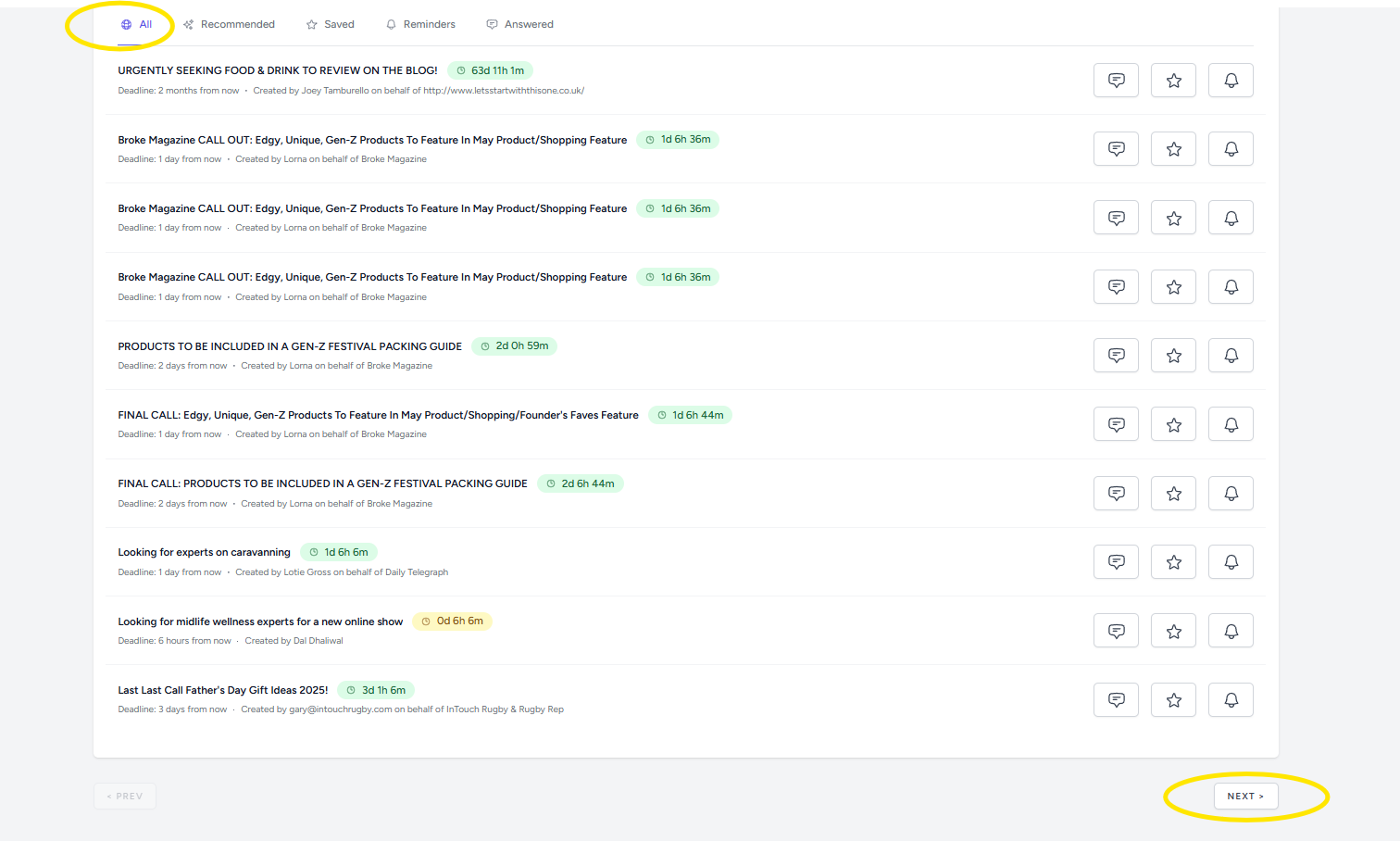
To see the latest media requests available from the playform, click on
Opportunities
at the top and then click on
All
. Click
next
to see the most recent media requests.
We use
EngageBay