.png)
If you have a Multi-business, Agency or Enterprise Plan, you can access AI Client Intel reports to help with your PR strategy and campaigns.
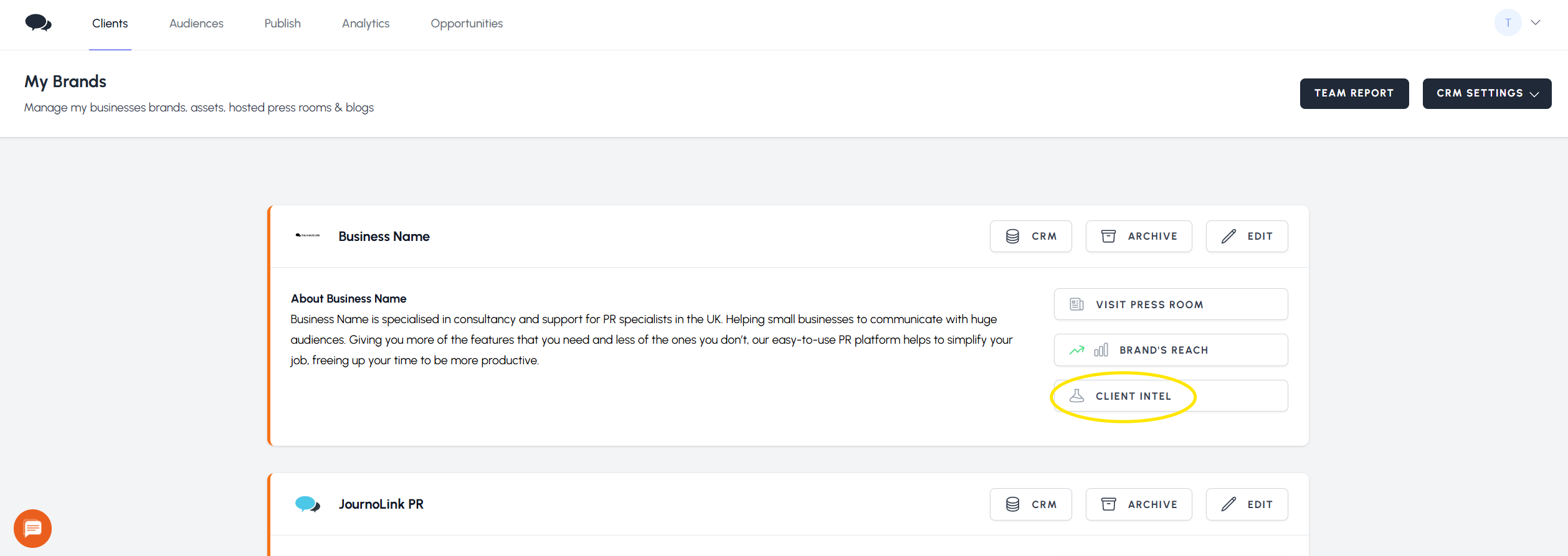
To access a report, click on
Clients, then
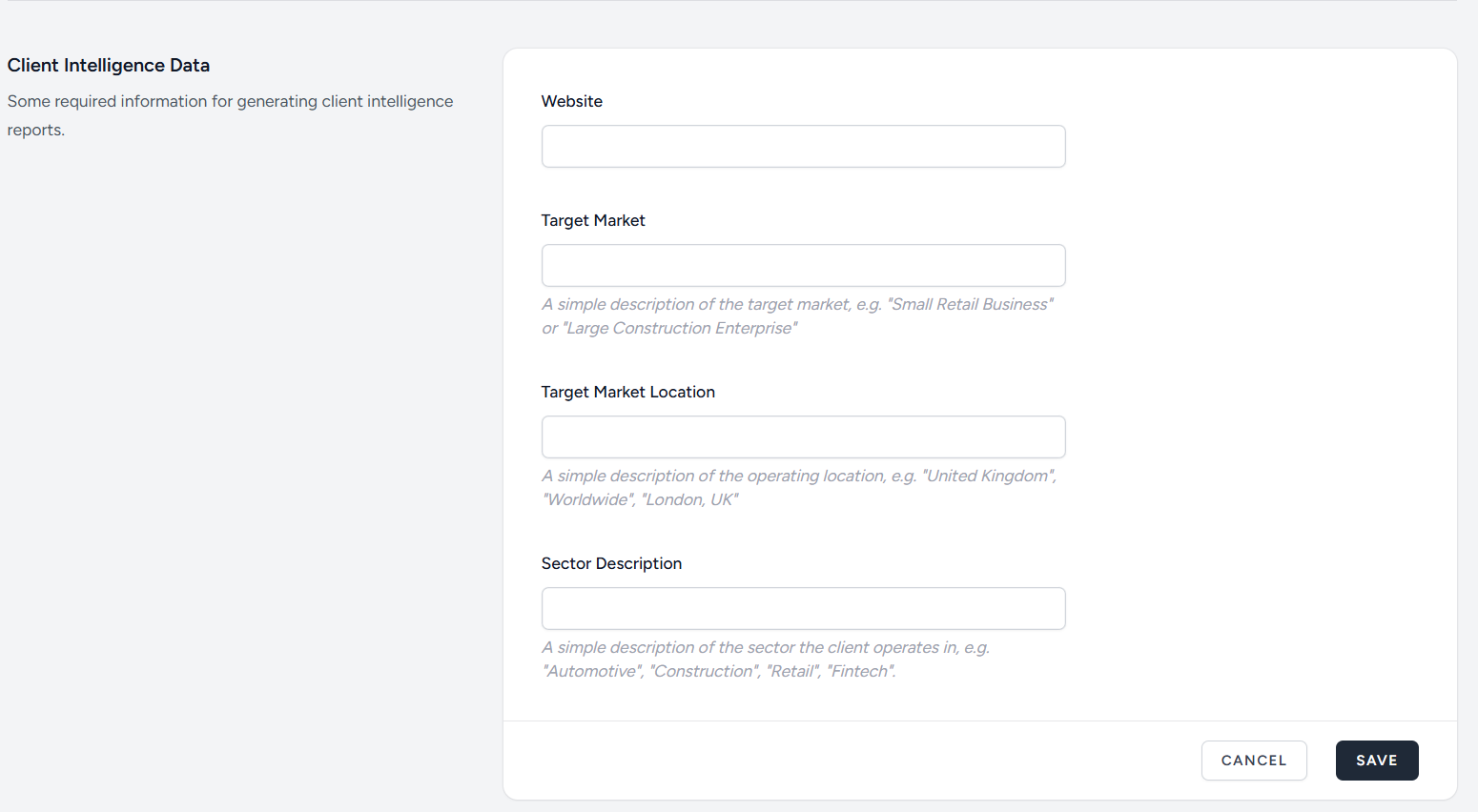
Client Intel for the business you need. If this is your first time using the AI Client Intel tool, you'll need to add some information before you can generate your first report.
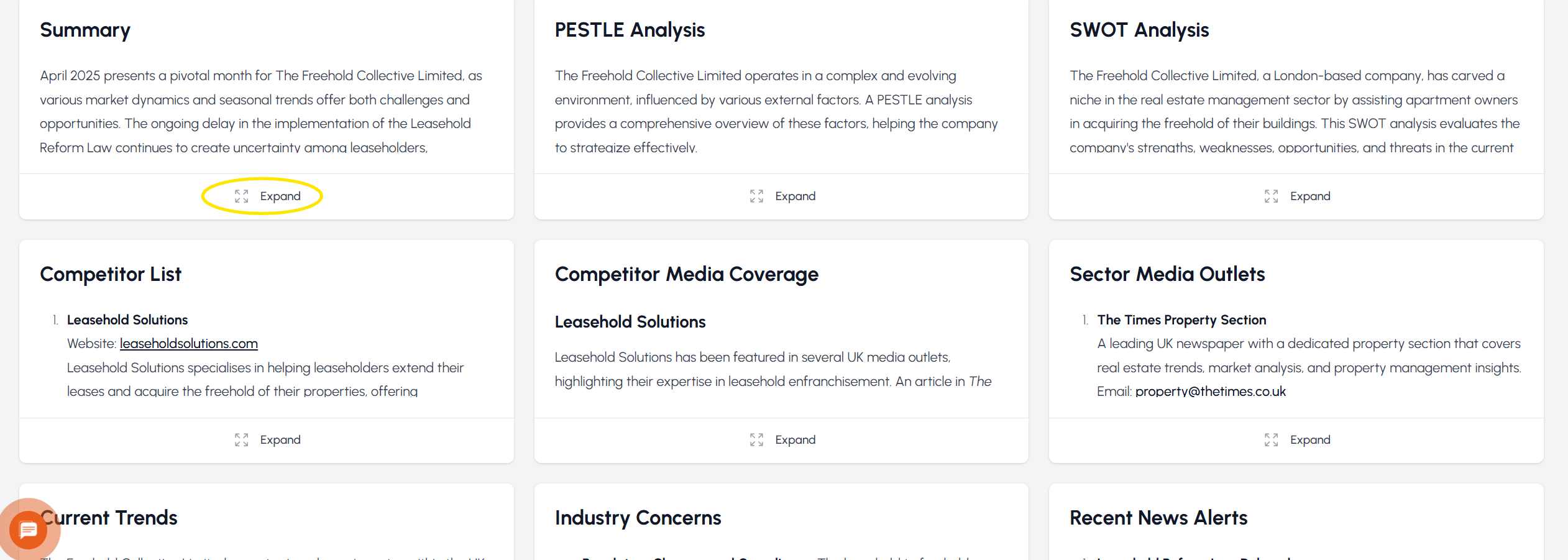
The AI Client Intel report is refreshed every month, and it will have the following sections:
- Summary
- PESTLE Analysis
- SWOT Analysis
- Competitor List
- Competitor Media Coverage
- Sector Media Outlets
- Current Trends
- Industry Concerns
- Recent News Alerts
- Company News
- Suggested Press Releases
- Social Media suggestions
To access a section, click on
Expand.
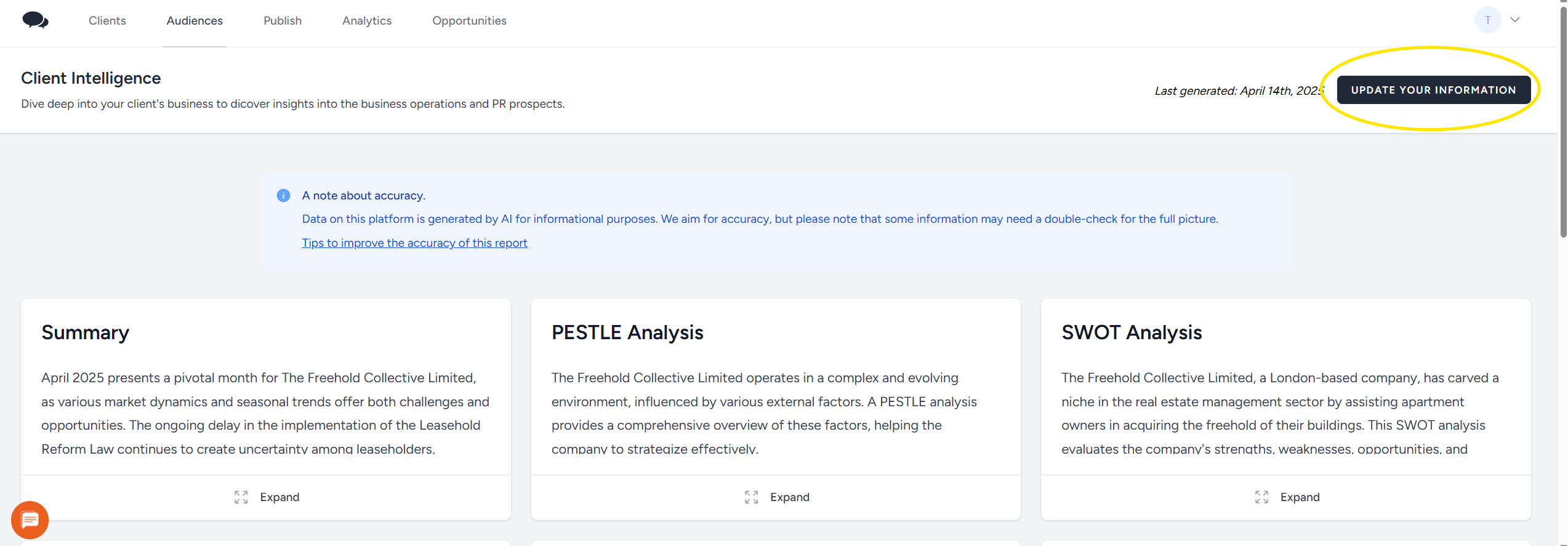
If you need to make changes to the information used to generate your Client Intel report, click on
Update Your Information from the latest report.
Please note that it can take a few minutes for the first Client Intel report to be generated. Once the first client intel report is generated, the platform will update it automatically every month.


 We use